Vector Editable Text Effect: A Practical Guide for Dynamic Design
In the fast-paced world of digital and print design, static assets can sometimes feel like a roadblock. You find a stunning 3D text effect, but it’s locked into a specific phrase or style. The Vector Editable Text Effect changes this dynamic entirely. It’s not just a font or a simple overlay; it’s a design system that combines the visual punch of 3D typography with the flexibility of a fully editable vector. You can type any word, change the font, adjust the colors, and scale it infinitely without losing quality. For designers, marketers, and creators who need to produce eye-catching graphics quickly, this kind of asset is a game-changer.
Understanding the Power of Editable 3D Typography
What sets the Vector Editable Text Effect apart is its core mechanic: 100% editability. Unlike a pre-rendered image file, this effect is built on a vector framework, typically using software-specific features like Smart Objects in Photoshop or live effects in Illustrator. This means you aren’t just placing a picture of text on your canvas; you are generating a live, customizable 3D object.
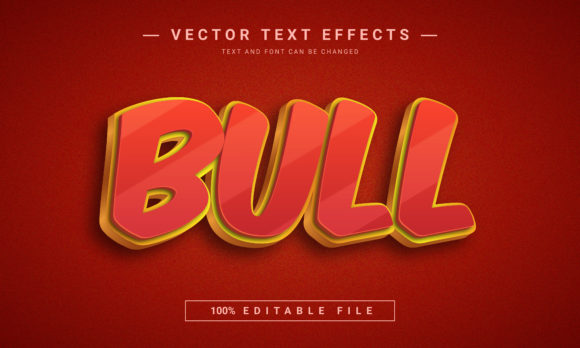
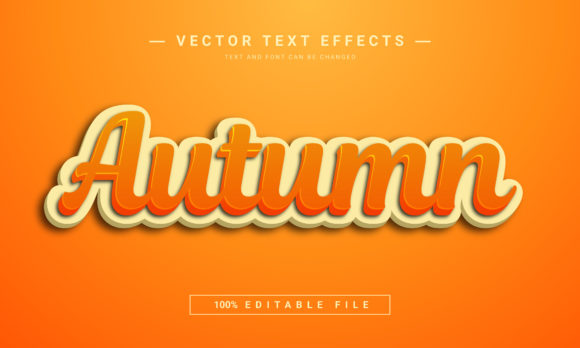
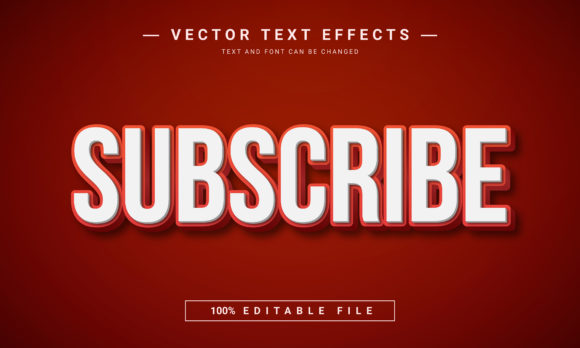
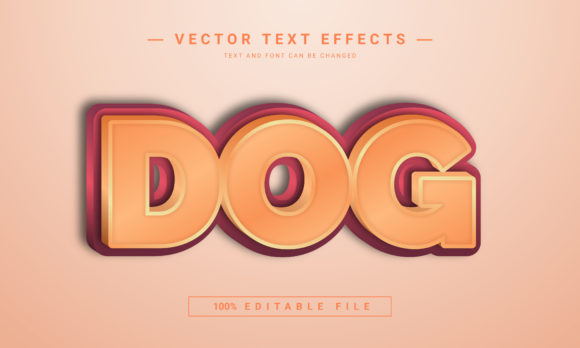
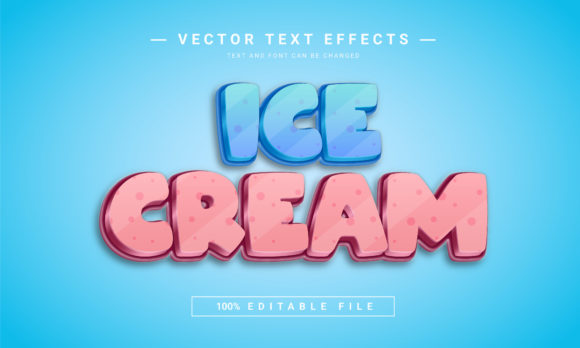
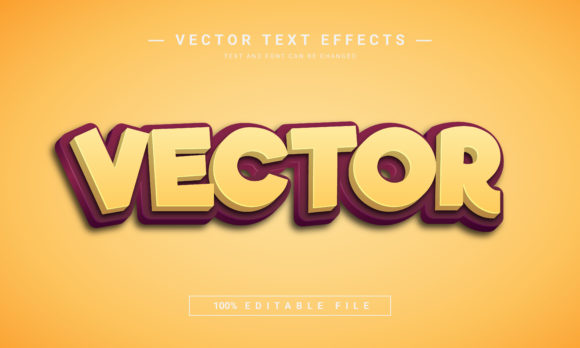
The visual characteristics are immediately striking. We’re talking about depth, shadow, and highlight that create a tangible sense of dimension. The style can range from sleek, metallic finishes to gritty, textured surfaces, depending on the specific effect. Its personality is often bold, modern, and authoritative—perfect for making a statement. The appeal lies in its ability to deliver high-end, professional-looking typography without requiring hours of manual 3D modeling or complex lighting setups.
Where This Creative Font Asset Truly Shines
The versatility of the Vector Editable Text Effect makes it suitable for a wide array of projects. Its primary strength is in applications where text needs to be the hero of the design.
- Marketing & Advertising: Create scroll-stopping social media graphics, Facebook covers, and website banners. A 3D headline instantly draws the eye, increasing engagement and click-through rates.
- Publishing & Editorial: Design compelling book covers, especially for genres like sci-fi, fantasy, or thriller. It’s also excellent for KDP paperback interiors or magazine title treatments that need a modern edge.
- Branding & Identity: While not a replacement for a primary logo font, this effect is perfect for secondary branding elements, event titles, or promotional materials that extend a brand identity into a more dynamic space.
- Game & Entertainment: The inherent depth and style make it a natural fit for game titles, poster art, and merchandise.
- Personal & Commercial Projects: Crafters can use it to create stunning decals, while small business owners can produce professional-looking posters or packaging mockups.
Practical Guidance for Implementation and Best Use
Integrating a Vector Editable Text Effect into your workflow is straightforward, but a few best practices will ensure optimal results. First, always test the effect with your specific text before committing. While the effect is editable, very long sentences or unusual characters might not render perfectly in every style. Short, impactful words and phrases work best.
Consider font pairing carefully. If the effect itself is applied to a bold, sans-serif typeface, pair it with a clean, simple serif or sans-serif for body text to maintain readability. The 3D text is for display purposes; supporting text should complement, not compete.
Evaluate the project fit. Ask yourself: does this effect enhance my message or distract from it? For a corporate report, it might be too casual. For a YouTube thumbnail or event flyer, it’s likely perfect. Always review the included styles and color options. A good editable effect will offer variations in shadow depth, light angle, and texture.
Finally, verify the licensing. Since this is a premium font and design asset, ensure the license covers your intended use—whether it’s for a personal blog or a client’s commercial product packaging. This due diligence protects you and respects the creator’s work.
Maintaining Readability and Visual Hierarchy
The biggest consideration with any display font or effect is readability. The 3D nature can sometimes obscure letterforms, especially at smaller sizes. Use this effect for headlines, titles, or short calls-to-action where impact is more critical than nuanced readability. In web design, ensure sufficient contrast between the text effect and the background. In print design, consider how the shadows and highlights will reproduce on different paper stocks.
This tool empowers you to create a strong visual hierarchy. The 3D text naturally sits at the top, guiding the viewer’s eye through your layout. It’s a practical solution for logo design presentations, allowing you to showcase a logotype in a realistic 3D environment. For packaging design, it can make product names pop off the shelf.
Conclusion: A Versatile Tool for the Modern Creator
The Vector Editable Text Effect is more than a novelty; it’s a practical asset for anyone who works with text and design. It bridges the gap between complex 3D software and static image files, offering a middle ground of high impact and easy customization. Whether you’re a marketer crafting the next viral campaign, a publisher designing a bestseller cover, or a hobbyist creating personalized gifts, this effect provides a professional polish that elevates your work. Its real-world value lies in saving time, enhancing visual appeal, and providing the flexibility to adapt to countless creative scenarios. By understanding its strengths and applying it thoughtfully, you can turn ordinary text into extraordinary design.